
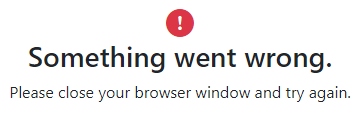
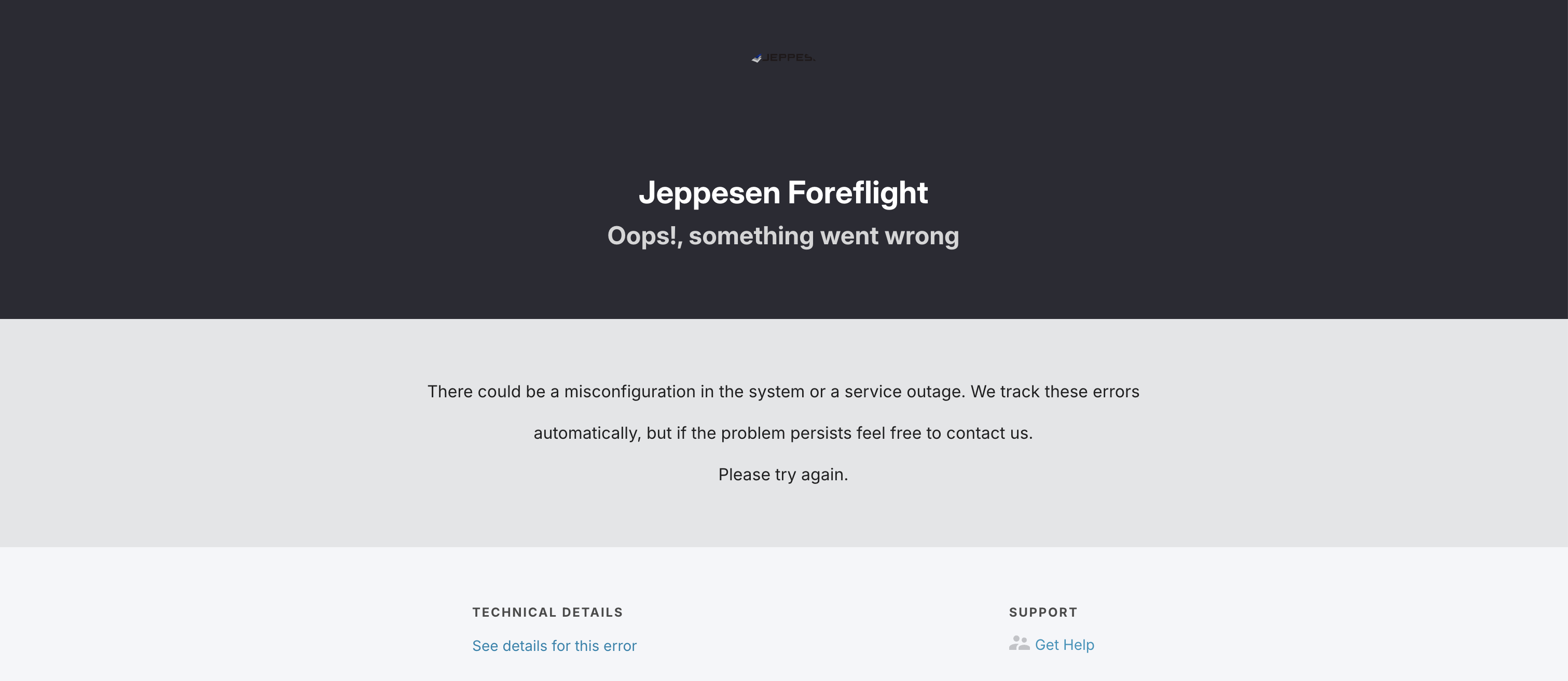
Oops!, something went wrong message appears
After entering your credentials on the Jeppesen Distribution Manager Pro (JDM Pro) Welcome page, if you do not enter the passcode on the passcode page, the session expires and an error message appears.
Procedure
- Close the page.
- Open a new browser tab and enter the following URL:
- Sign in to JDM Pro.