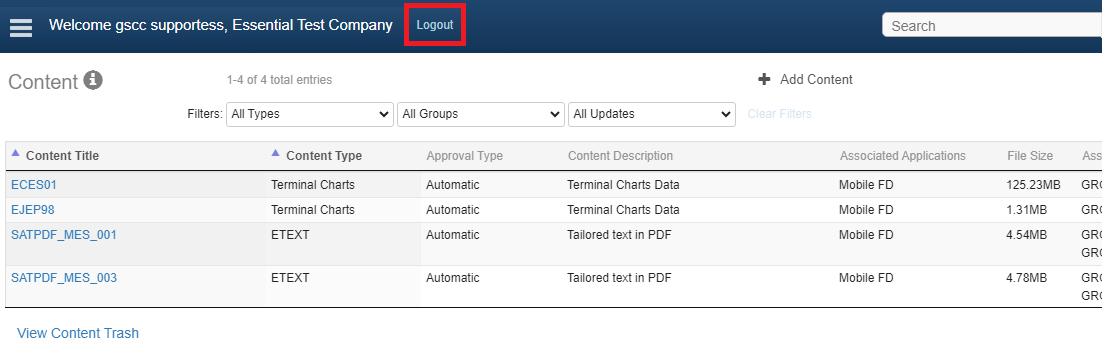
Signing out of JDM Pro
Signing out of Jeppesen Distribution Manager Pro (JDM Pro) returns you to the JDM Pro Log In page.
To sign out of JDM Pro when viewing the Distribution
Groups, Devices, Trip
Kit, Users, Device Trash, or Content Trash
pages, select Sign Out
 .
.

.
On all other pages, select Logout in the upper
left of the application.