Cloning distribution groups
You can clone a distribution group to create another group that contains the same content. You can only clone one group at a time.
About this task
Procedure
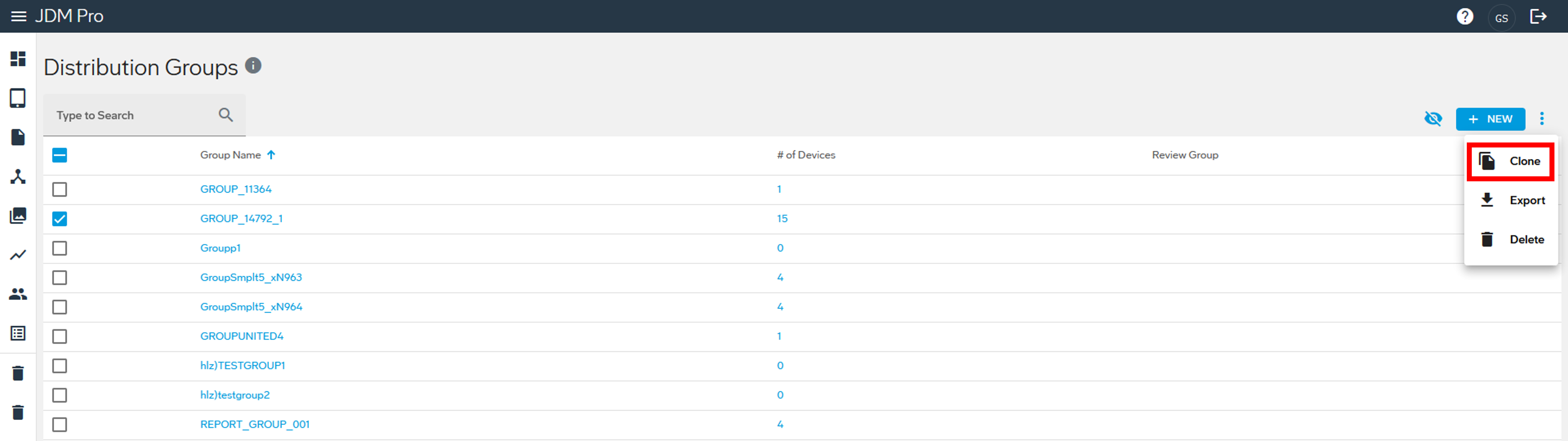
- From the Jeppesen Distribution Manager Pro (JDM Pro) menu, select Distribution Groups.
- Select the checkbox for the distribution group you want to clone.
-
Select the kebab menu, and then select Clone.
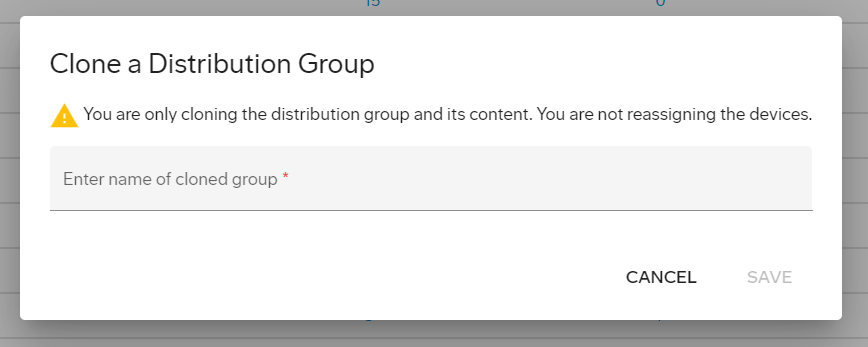
- Enter a name for the new group.
-
Select Save.
JDM Pro creates the group and adds it to the Distribution Group list.