Draft version content. Do not publish or use in production.
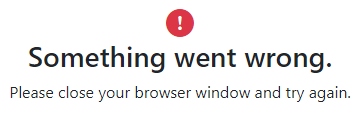
Error message appears while signing in
On the Sign In page, when you enter invalid credentials more than
three times consecutively, an error message appears, and your account is locked for 30
minutes.