Draft version content. Do not publish or use in production.
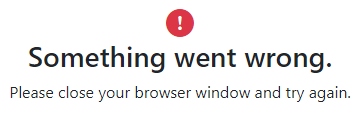
Unable to sign in from a bookmark
When you use a favorite (bookmark), hyperlink from a PowerPoint presentation, Word
document, or other sources to open the Sign In page, an error message appears.