Signing in to BDM from your MyBoeingFleet account
You can log in to using your MyBoeingFleet account. My Boeing Fleet and require separate user names and passwords.
Procedure
- Open your web browser and navigate to https://www.myboeingfleet.com/.
- Enter your MyBoeingFleet user ID and password.
- Select Login.
- On the My Boeing Fleet home page, select the Mobile Gallery link.
- On the Mobile Gallery page, select the Distribution Manager link.
- Enter your Distribution Manager user name and password.
-
Select Login.
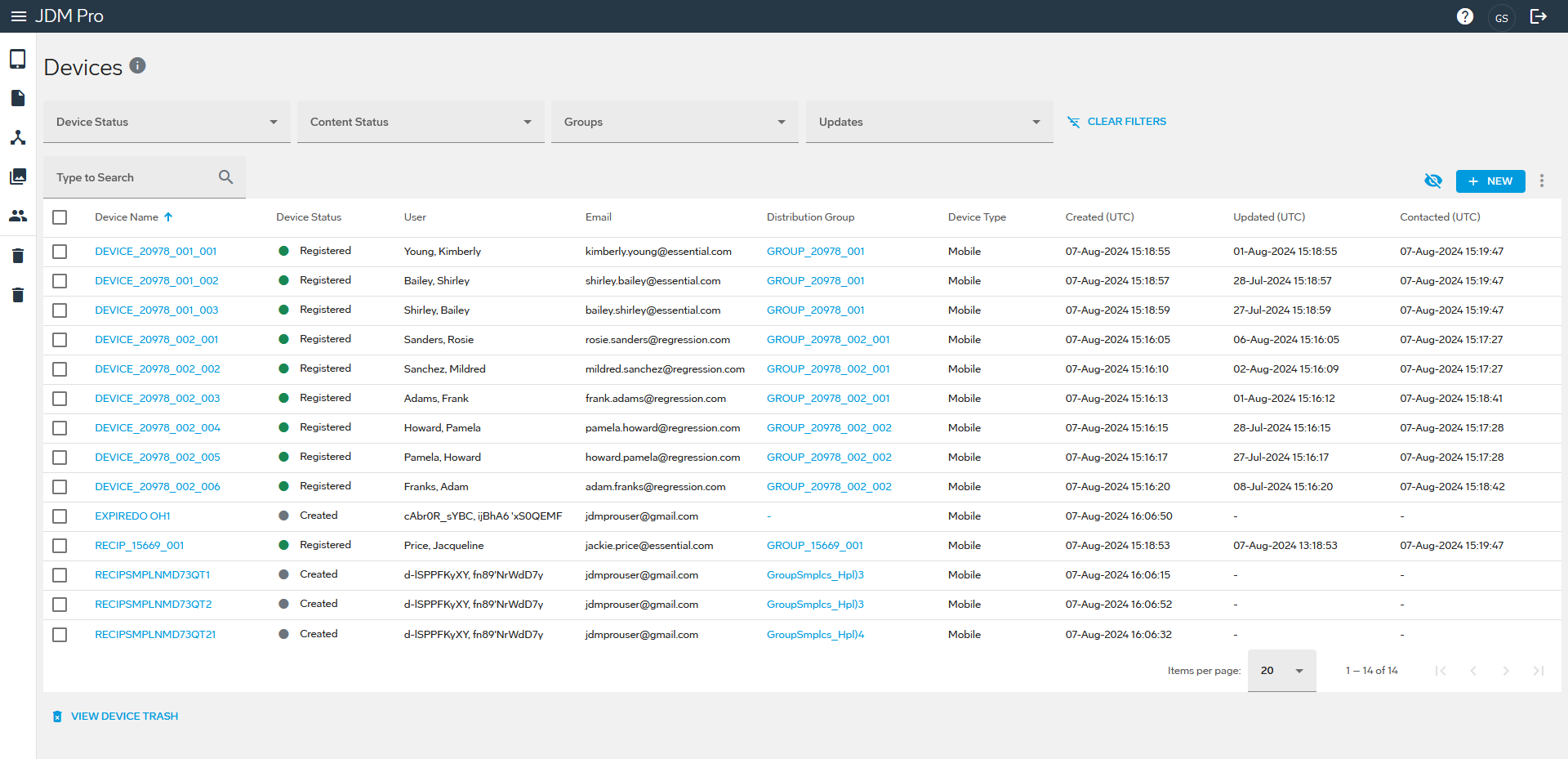
BDM displays the Devices page.
FigureBDM Devices page