
Assigning content to a distribution group from the Content list
You can assign content to a distribution group from the Content list.
Procedure
- From the Jeppesen Distribution Manager Pro (JDM Pro) menu, select Content.
-
From the Content page, select the checkbox for each content
item that you want to assign to the same distribution group.
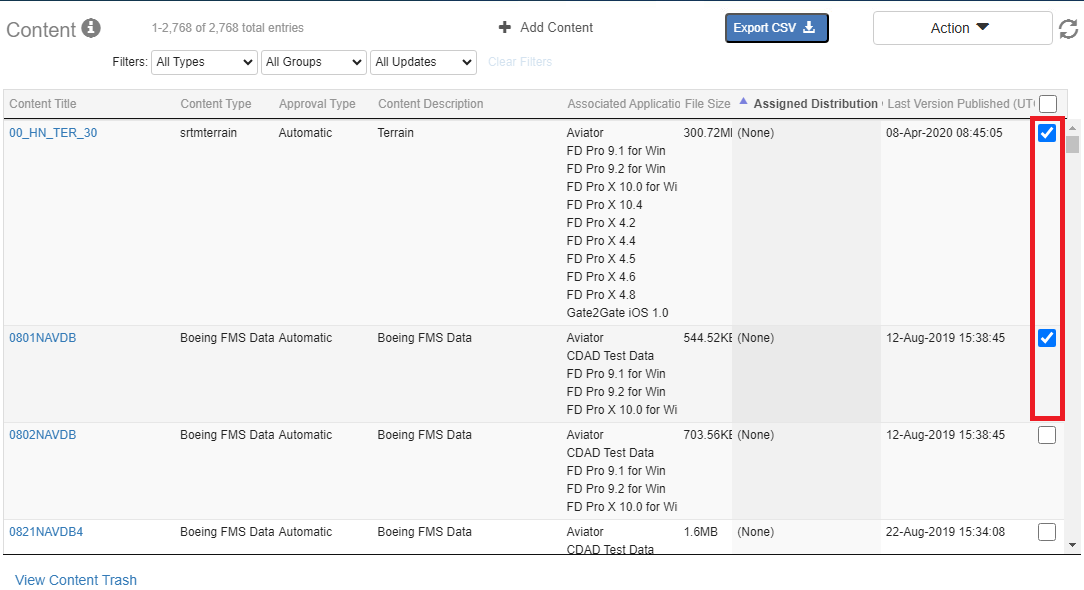 Note: You can use the Select All checkbox to select multiple content items. If you have filters set when you check the Select All checkbox, JDM Pro selects only those items that match your filter settings. If no filters are set when you select the checkbox, JDM Pro selects all content items, including items that aren't being displayed.
 -
Select the Action menu, and select
Add Selected to Group.
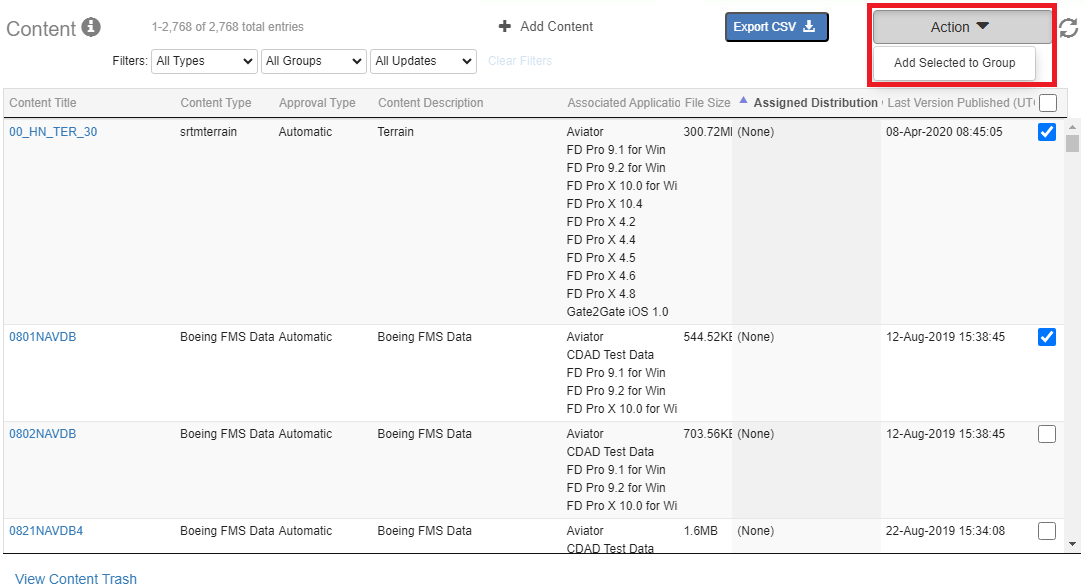 JDM Pro displays the Distribution Groups Assignment box.
 -
Select one or more distribution groups, and then select
Ok.
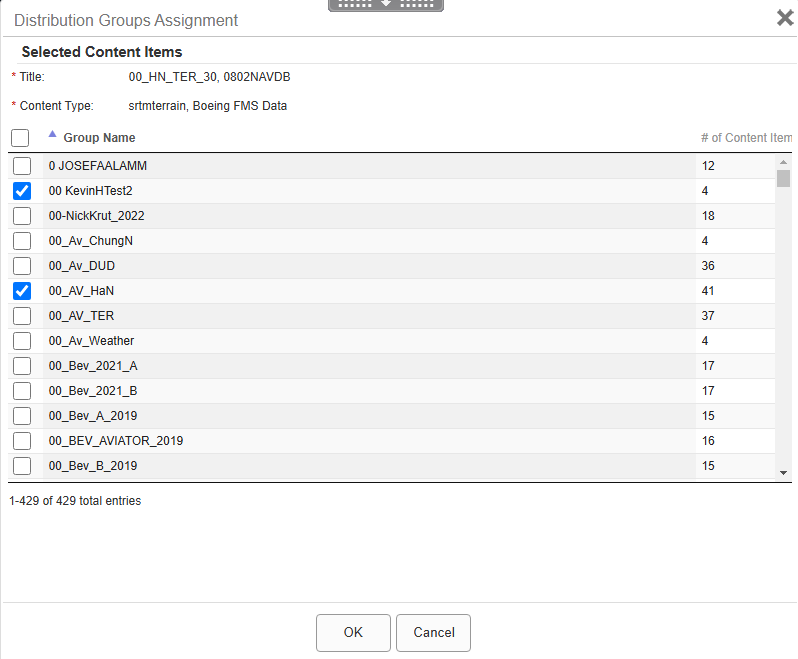 A dialog appears.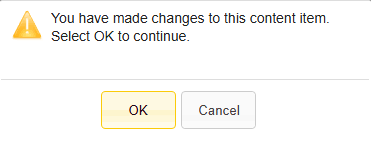
- Select Ok.