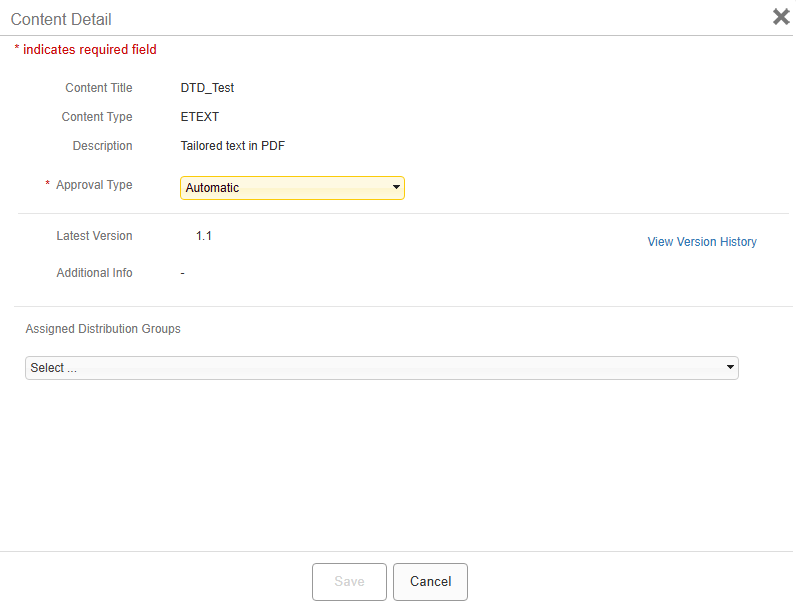
Assigning content to a distribution group from the Content Detail box
You can assign content to a distribution group from the Content Detail box for any content item.
Procedure
- From the Jeppesen Distribution Manager Pro (JDM Pro) menu, select Content.
- From the Content page, select the name of the content item that you want to assign to the distribution group.
-
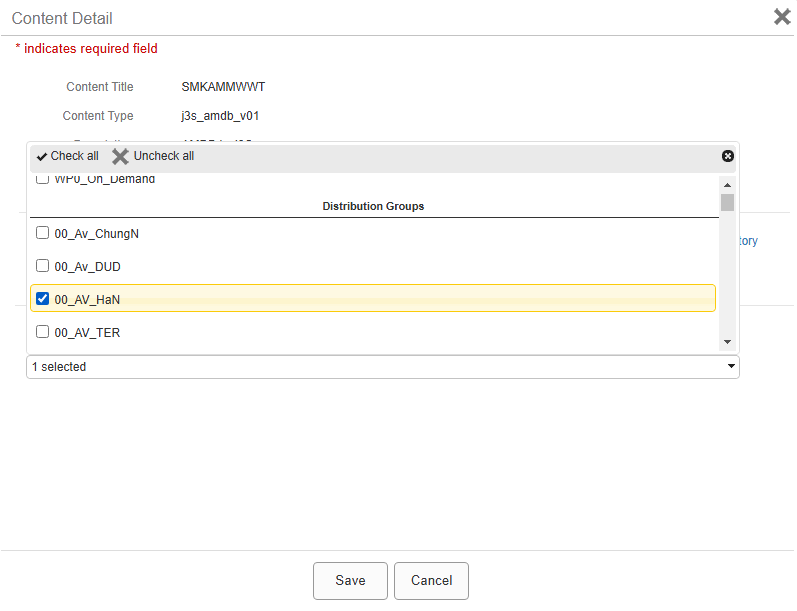
From the Assigned Distribution Groups list, select one or more
distribution groups.
-
Select Save.
A dialog appears.
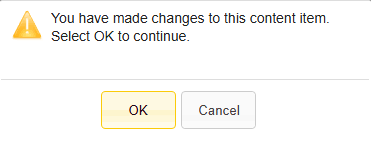
- Select Ok.