
Changing your account password after signing in
Change the password of your user profile.
Procedure
-
Access the Jeppesen Distribution Manager Pro (JDM Pro) menu and select
Users.
The Users screen appears.
-
Select your user name.
The Edit User Details dialog appears.
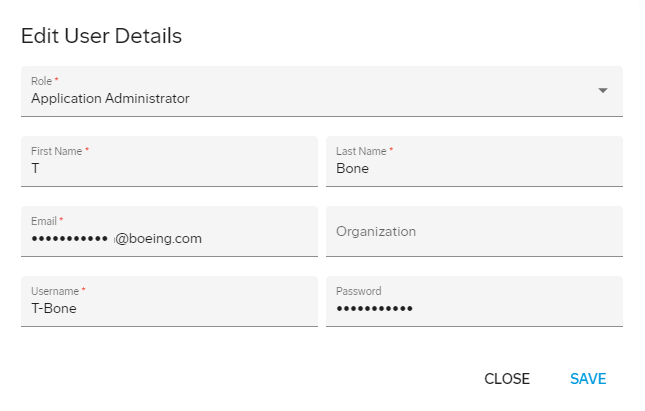
- In the Password box, update your password.