
Assigning a distribution group from the Devices list
You can assign a device to a distribution group from the Devices page.
Procedure
- From the Jeppesen Distribution Manager Pro (JDM Pro) menu, access the Devices page.
-
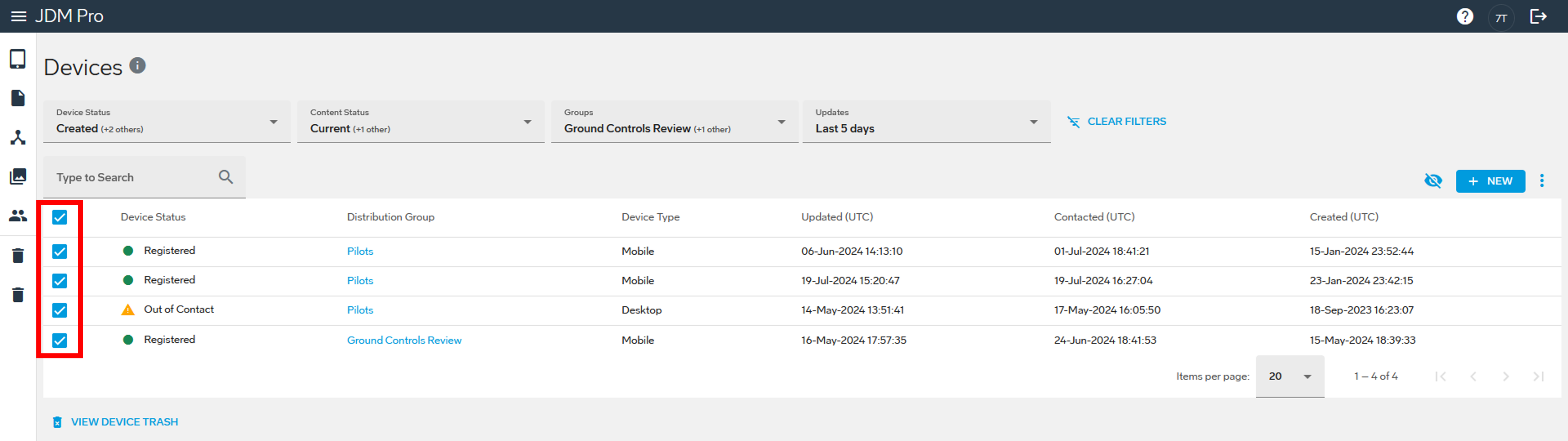
Select the devices.
- To select all the devices, select the checkbox at the top of the list.
- To select individual devices, select the checkbox next to each device.
-
Select
 and then select Add to Group.
The Add to Group dialog appears.
and then select Add to Group.
The Add to Group dialog appears.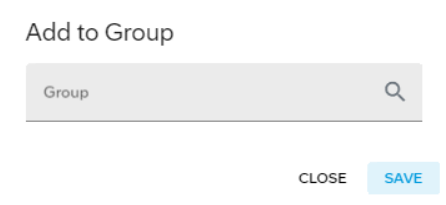 Note: The list in the Group box includes distribution groups set up as review groups. Review groups are set up for content review and approval only. They don't include final devices.
 -
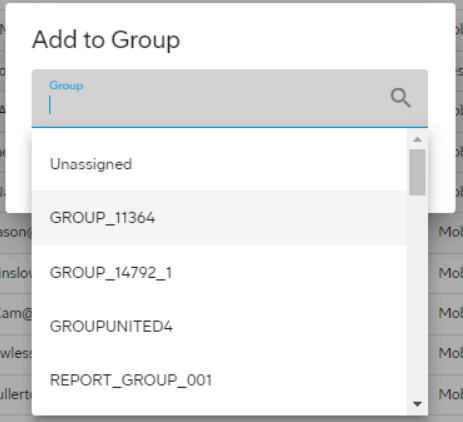
Select the distribution group.
To search for the distribution group, enter the name in the Group box or scroll through the list.
-
Select Save.
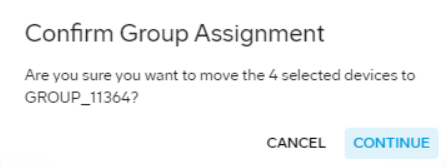
The Confirm Group Assignment dialog appears.
-
Select Continue.
JDM Pro assigns the devices to the distribution group that you selected.