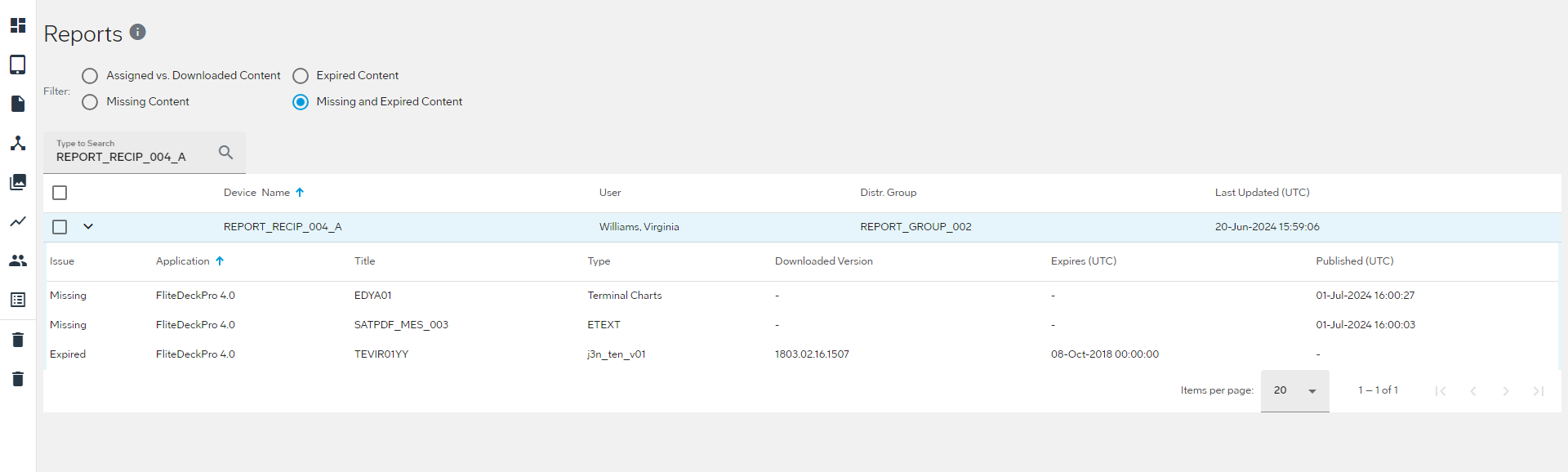
Viewing Assigned Content information
You can view information about what's assigned to a device.
About this task
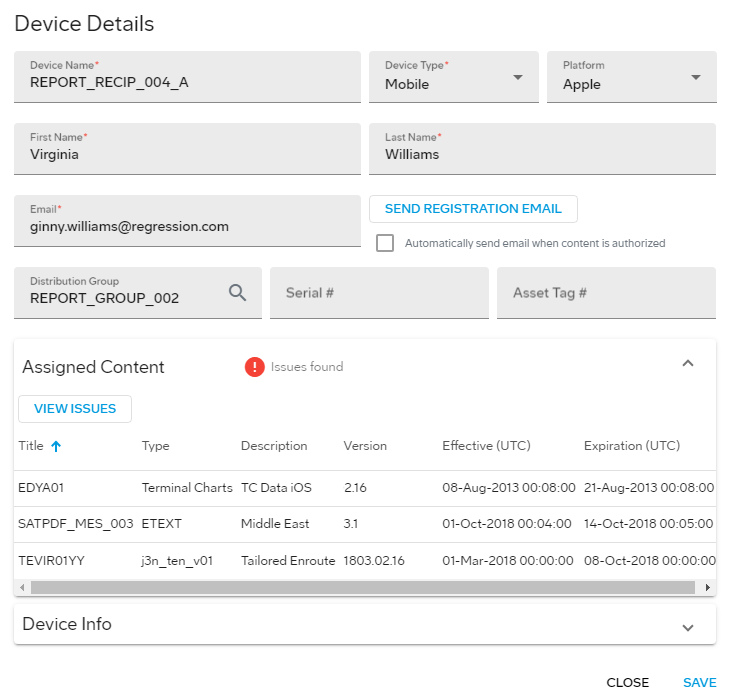
- Title
- The name of the content item.
- Type
- The type of content that is assigned or downloaded.
- Description
- A description of the content item, if available.
- Version
- The version of content that is assigned to the device.
- Effective (UTC)
- The effective dates of the content item.
- Expiration (UTC)
- The date the content item expires.
Note: You can
view the Assigned vs. Downloaded Content information
for any device by selecting Reports from the
JDM Pro menu.
Procedure
- From the JDM Pro menu, access the Devices page.
-
Select a device.
The Device Details dialog appears.
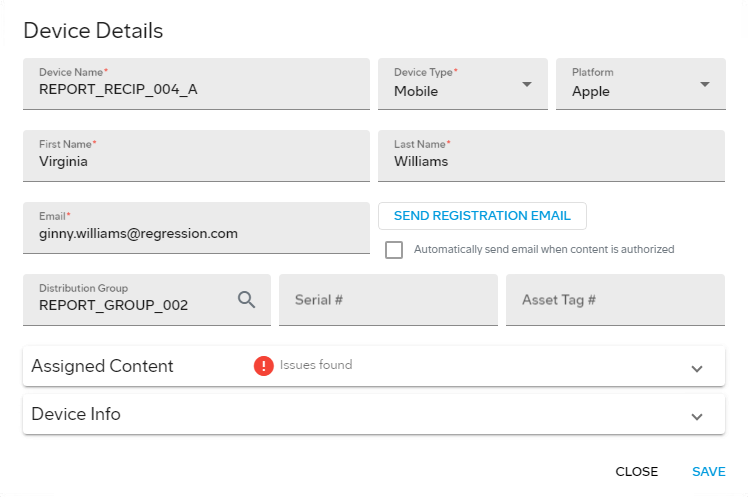
- Select the Assigned Content section.
- Optional: To view information about issues with assigned content, select View Issues.
 icon.
icon.