
Sending email reminders to devices
Use the Devices page to send email reminders to one or more devices. The email that Jeppesen Distribution Manager Pro (JDM Pro) sends reminds pilots to update their applications before their next flight.
Procedure
- From the JDM Pro menu, access the Devices page.
- From the Devices list, select one or more devices.
-
Select the
 button and then go to .
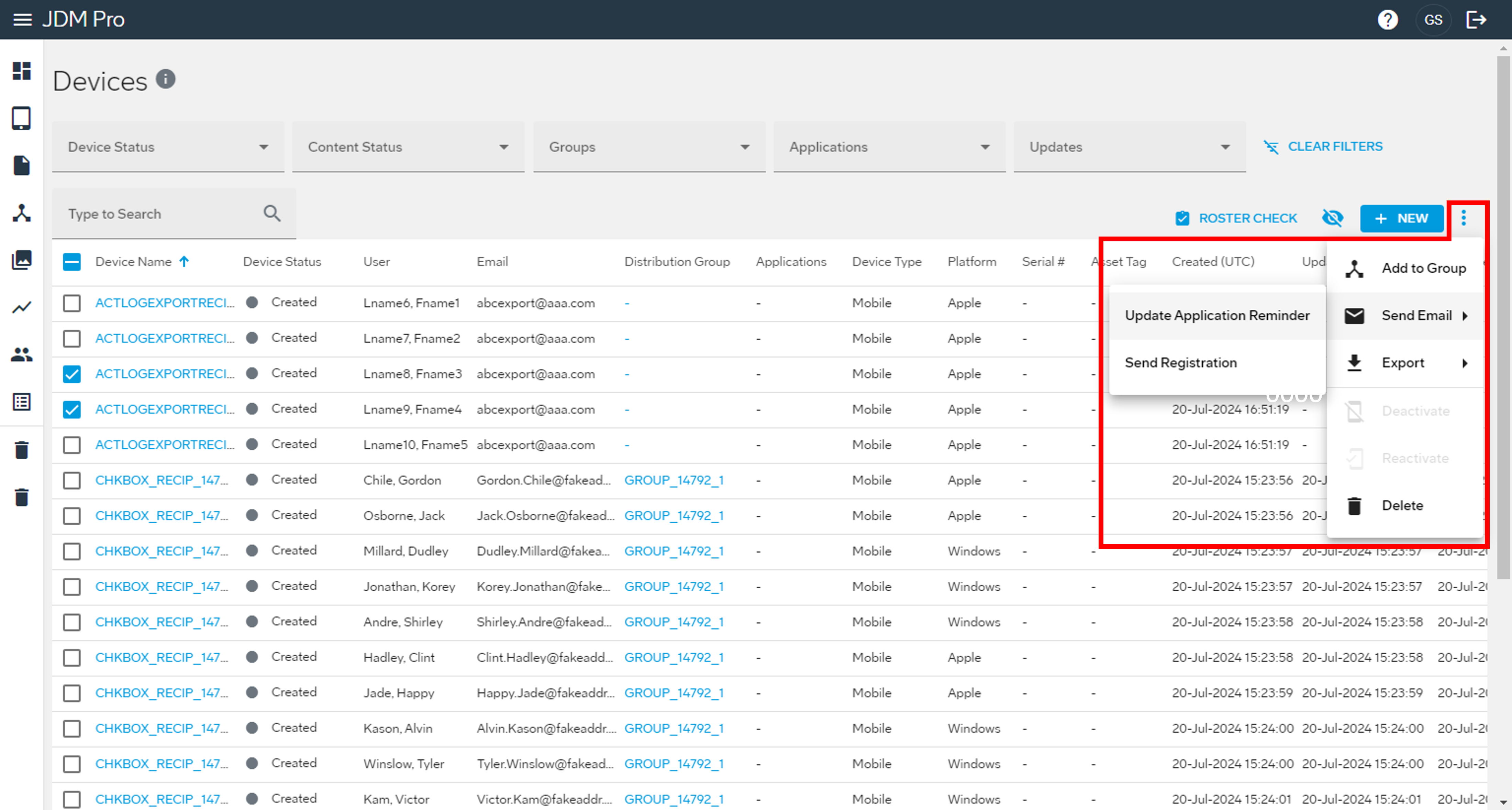 The Confirm Email Reminder Submission dialog appears.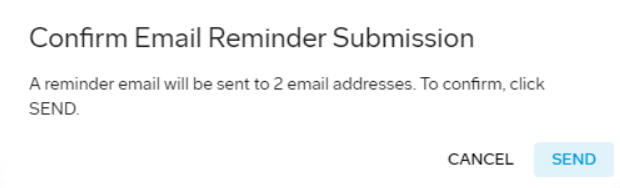
-
Select Send.
JDM Pro sends an email to the devices that you selected, with instructions on how to update applications.