
Performing a Roster Check
You can run a Roster Check to determine which pilots must update their applications before their next flight.
Procedure
- From the Jeppesen Distribution Manager Pro (JDM Pro) menu, access the Devices page.
-
Select Roster Check.
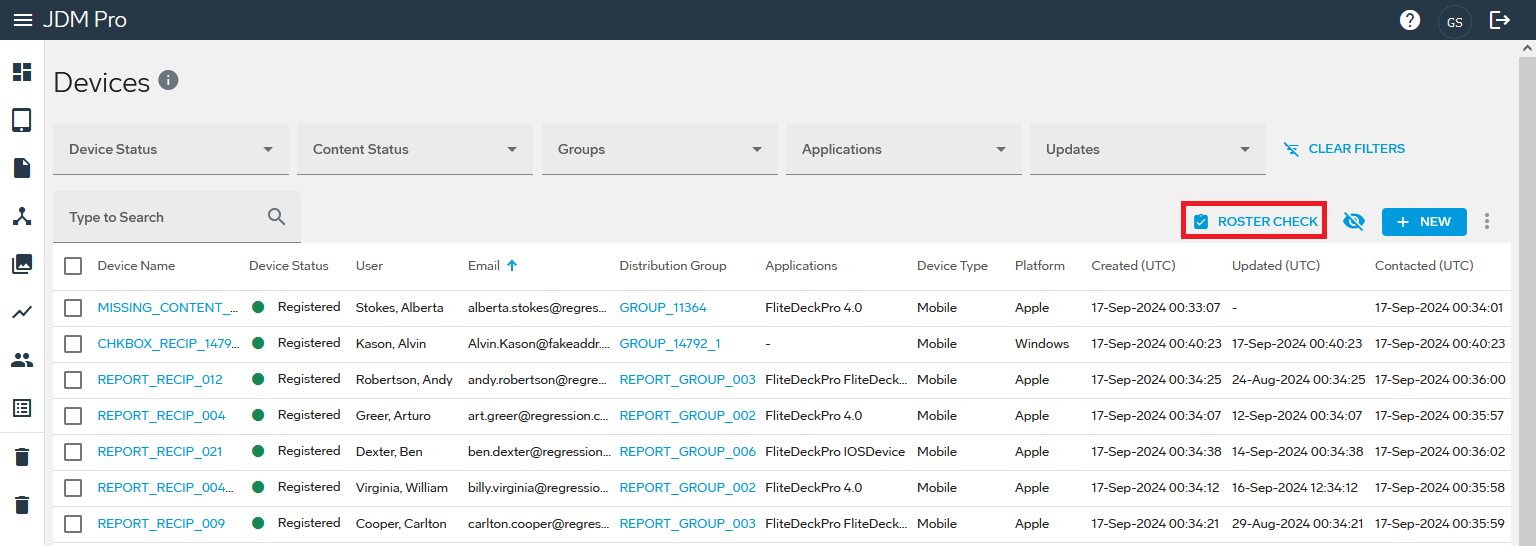 The Crew Roster Check dialog appears.
FigureCrew Roster Check dialog 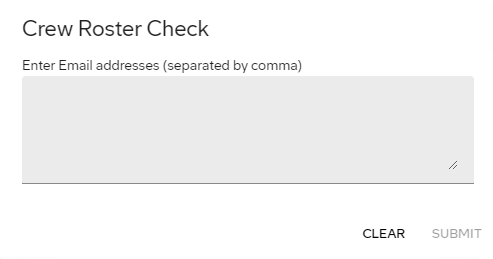
- Enter one or more email addresses, separated by commas.
-
Select Submit.
JDM Pro shows:
- A list of the email addresses for which there are no matching devices.
- A list of email addresses for pilots who must update their devices.
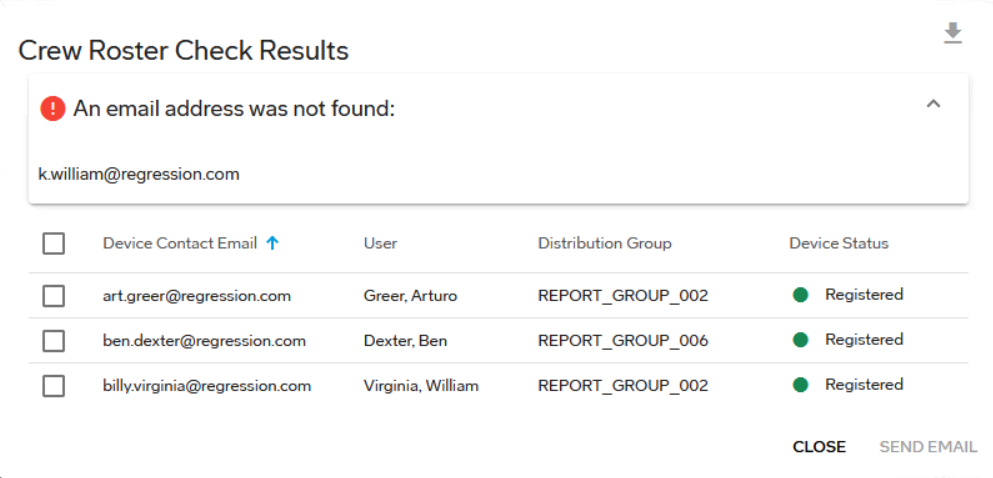
- Optional:
To send an email to remind pilots to update their apps, select the
checkboxes for the devices and select Send
Email.
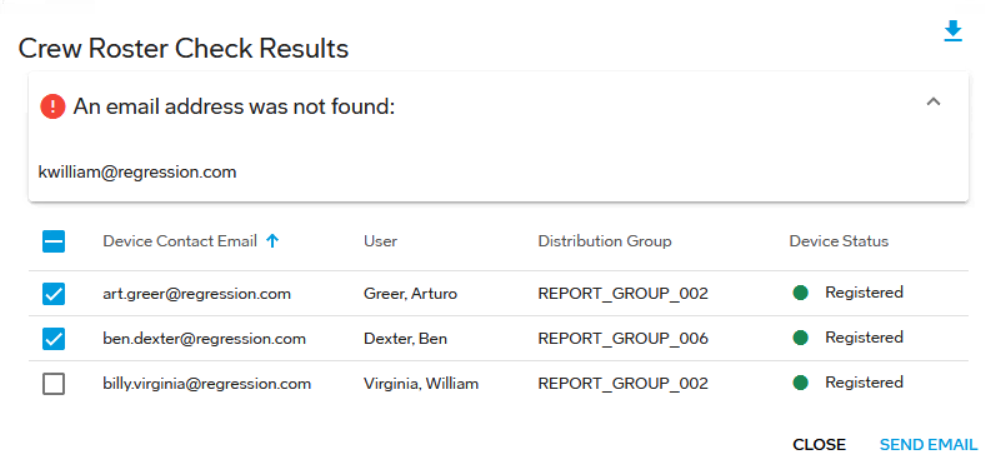
- Optional:
To export the results of the crew roster check to a CSV file, select the checkboxes
for the devices, and then select
 .
.