Reactivating devices
You can use the Devices page to reactivate any device that you deactivated. Users can also reactivate their own devices by checking for updates in one of their applications.
About this task
Procedure
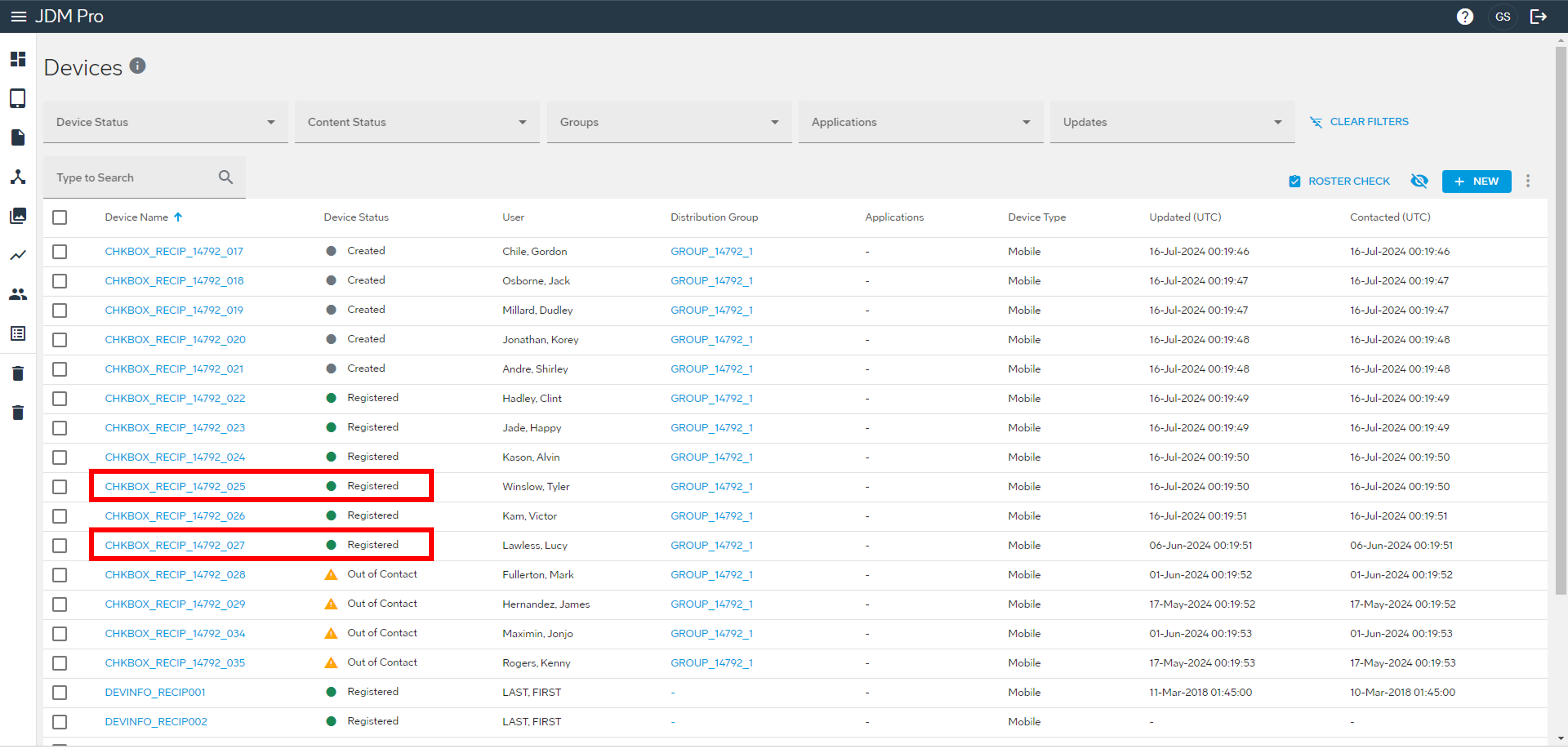
- From the JDM Pro menu, access the Devices page.
-
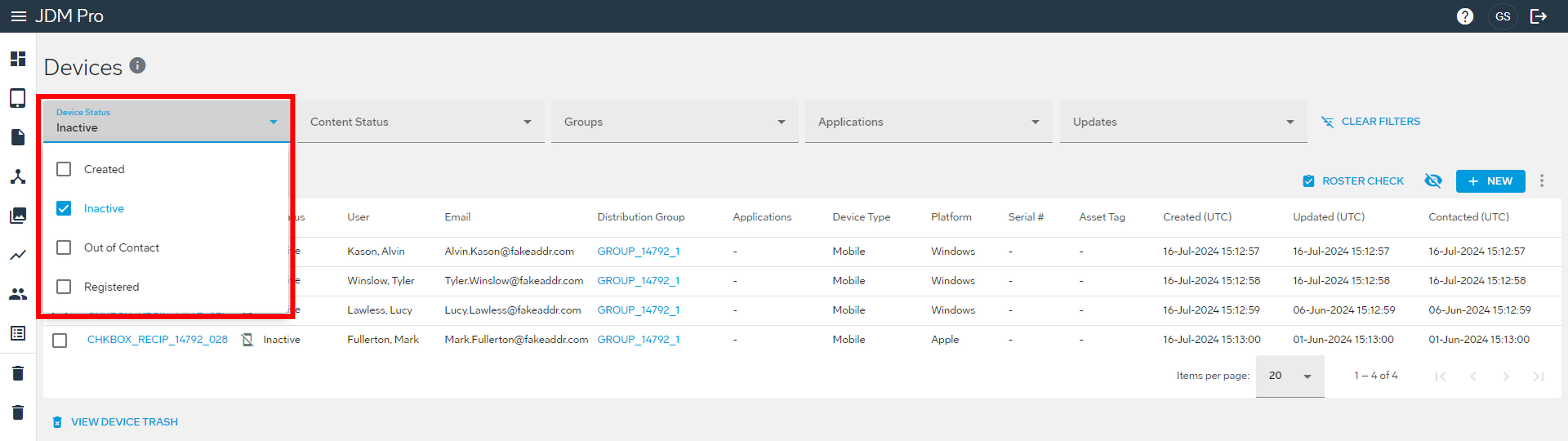
From the Device Status
menu, select Inactive.
This action filters the list to show only devices in the Inactive status.
-
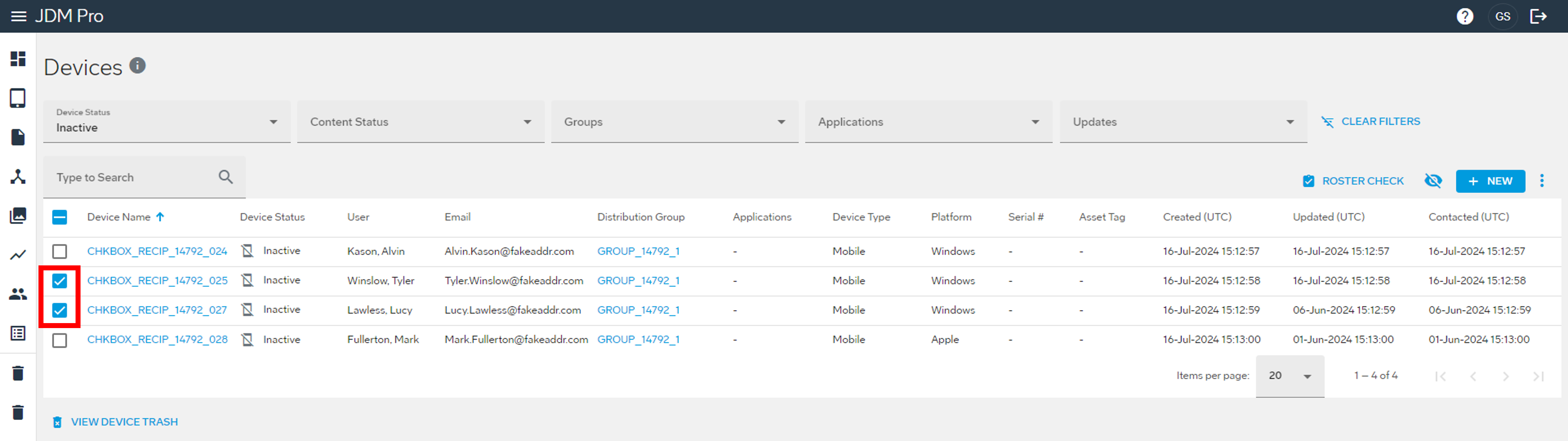
Select the checkbox for the devices that you want to reactivate.
-
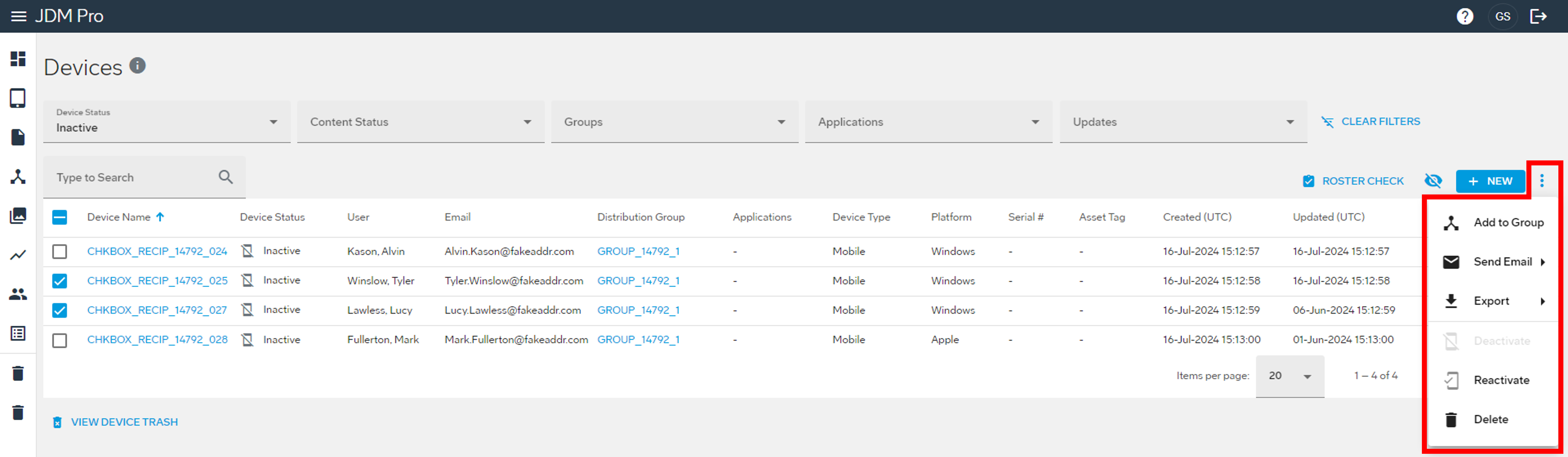
Select the
 button and then select Reactivate.
 The Confirm Reactivate dialog appears.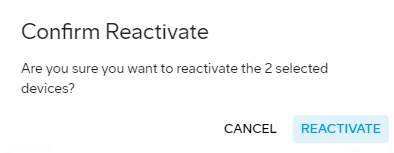
-
Select Reactivate.
JDM Pro activates the device and changes its status to Registered.