Exporting items in the Activity Log
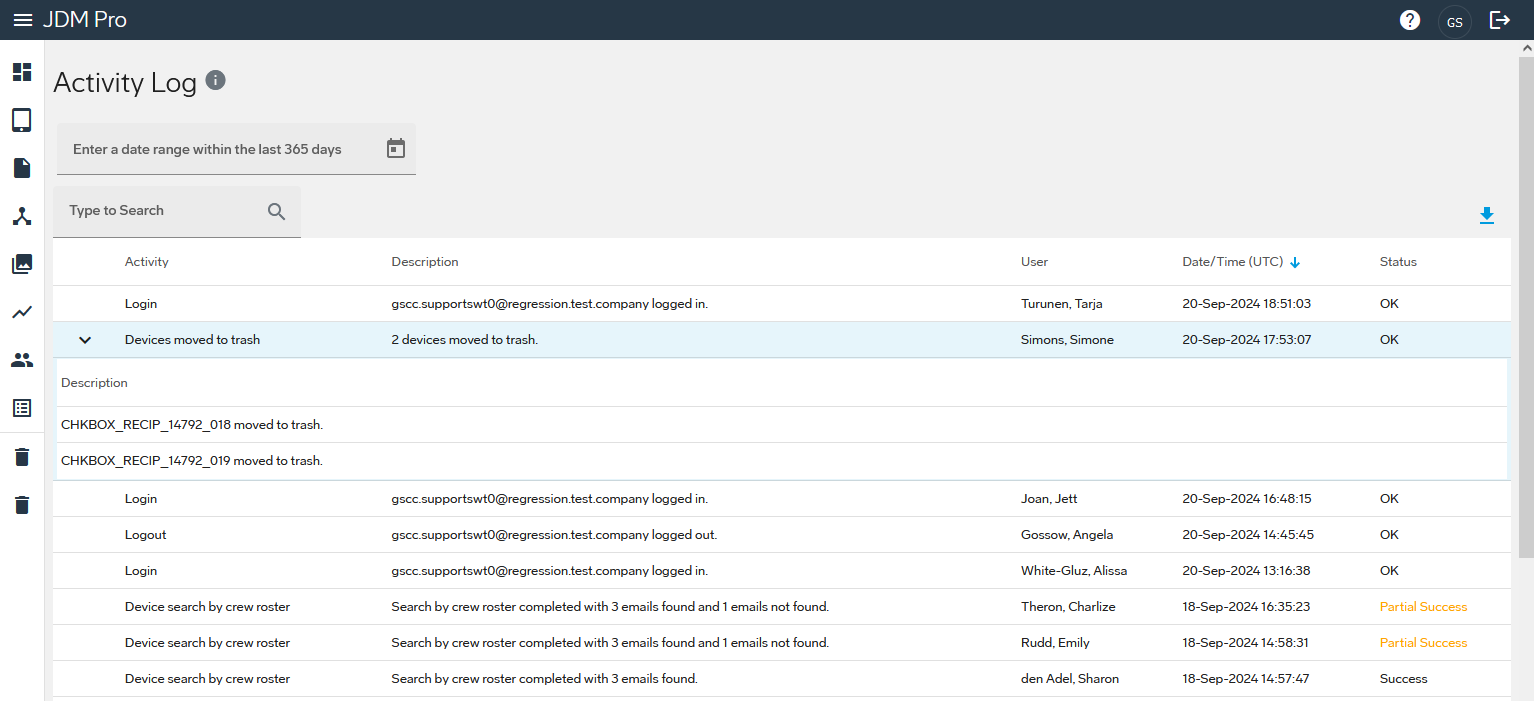
You can export one or more items in the Activity Log to a Comma-separated Values (CSV) file. If an item includes a nested list, the export includes the information from the nested list.
About this task
Note: If you're accessing Jeppesen Distribution Manager Pro (JDM Pro) on
an iPad, you need a file management application installed on the device to export a list
of failures.
Procedure
- Access the JDM Pro menu.
- Select Activity Log.
- Optional: Use the date filters and search box to filter data.
-
Select
 .
.