Viewing the Activity Log
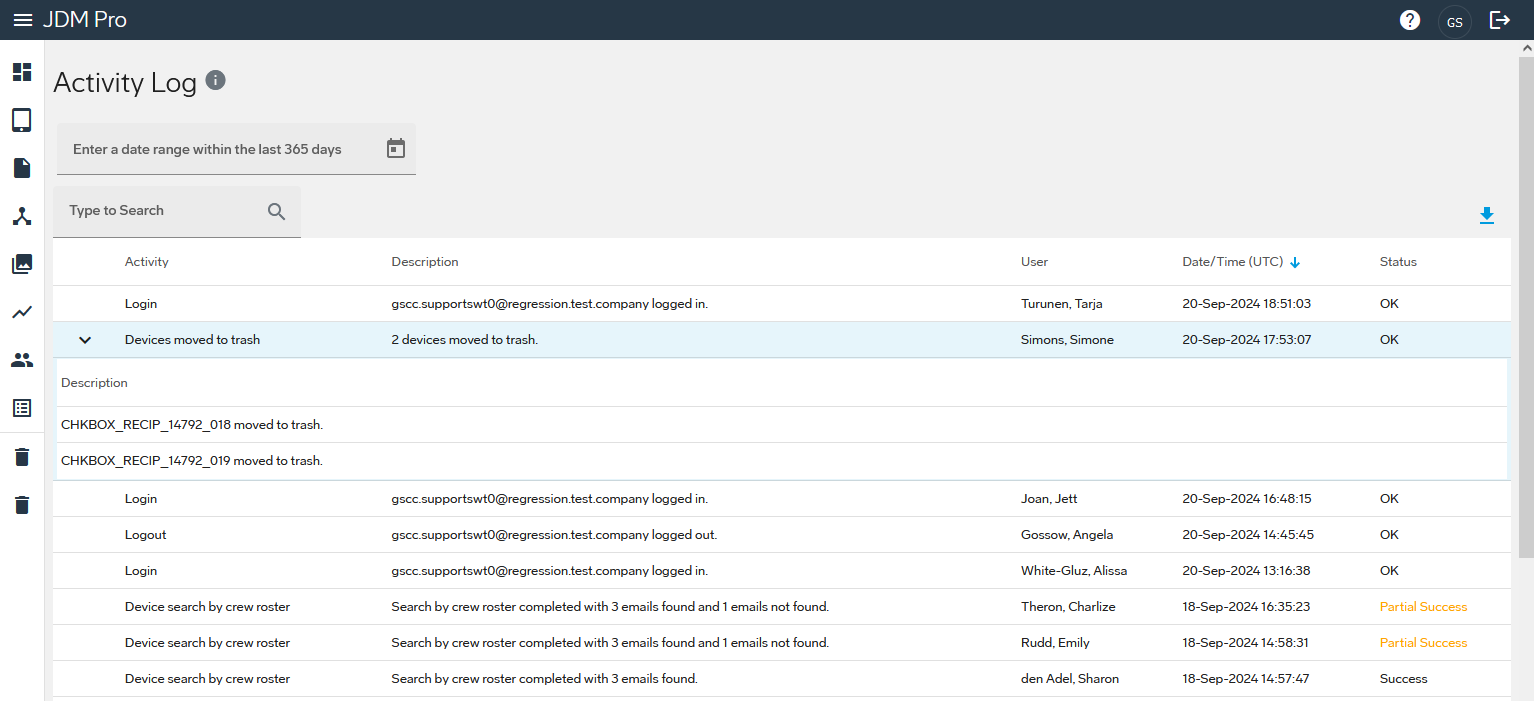
Use the Activity Log to view activities that have taken place within Jeppesen Distribution Manager Pro (JDM Pro) during the previous 365 days.
Use the Activity Log to view activities that have taken place within Jeppesen Distribution Manager Pro (JDM Pro) during the previous 365 days.