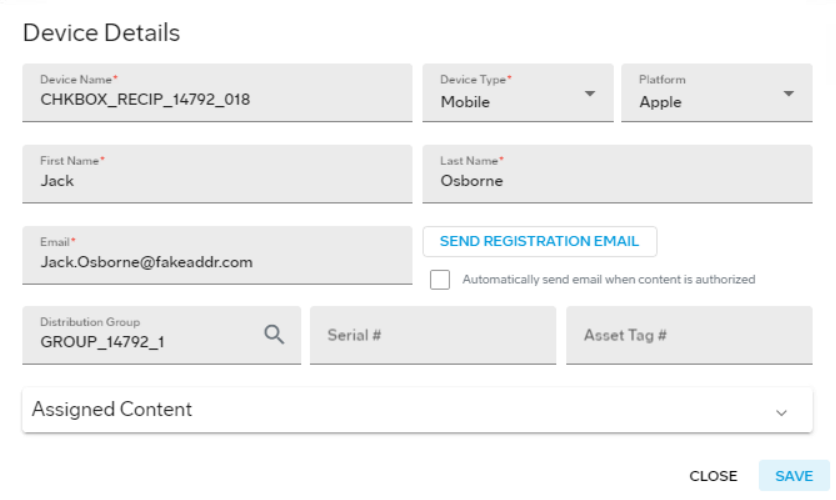
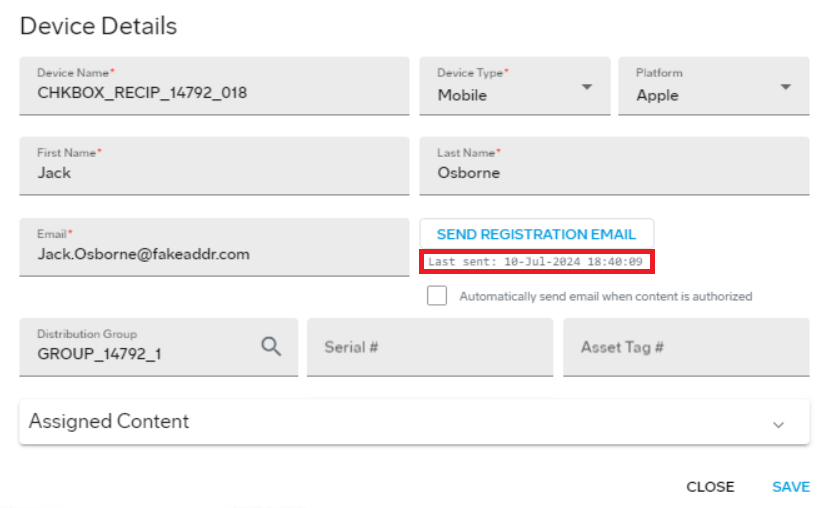
Resending the automated registration email
You might find it necessary to send another registration email to a device.
Procedure
- From the Jeppesen Distribution Manager Pro (JDM Pro) menu, access the Devices page.
- Select the device for which you want to send another email.
-
Select Send Registration
Email.
The Confirm Email Registration Submission dialog appears.
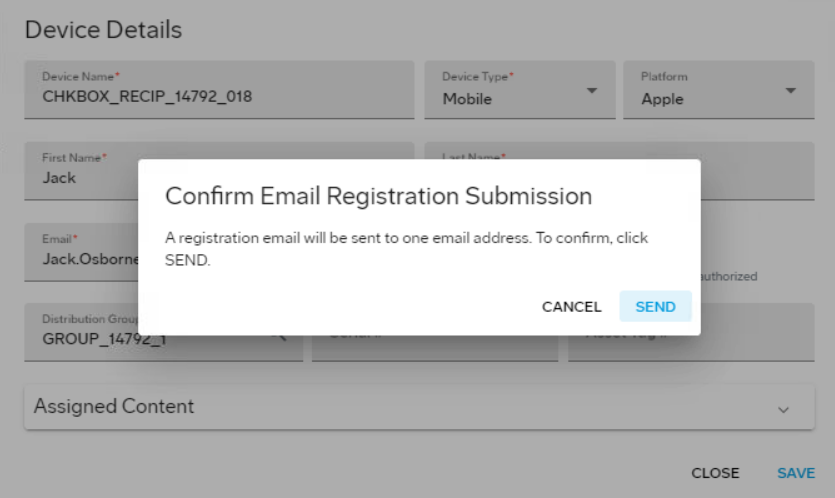
- Select Send.