Searching the Reports page
You can search the Reports page to quickly find specific devices or distribution groups.
About this task
Procedure
- Enter the search criteria in the Type to Search box.
-
Press the Enter key.
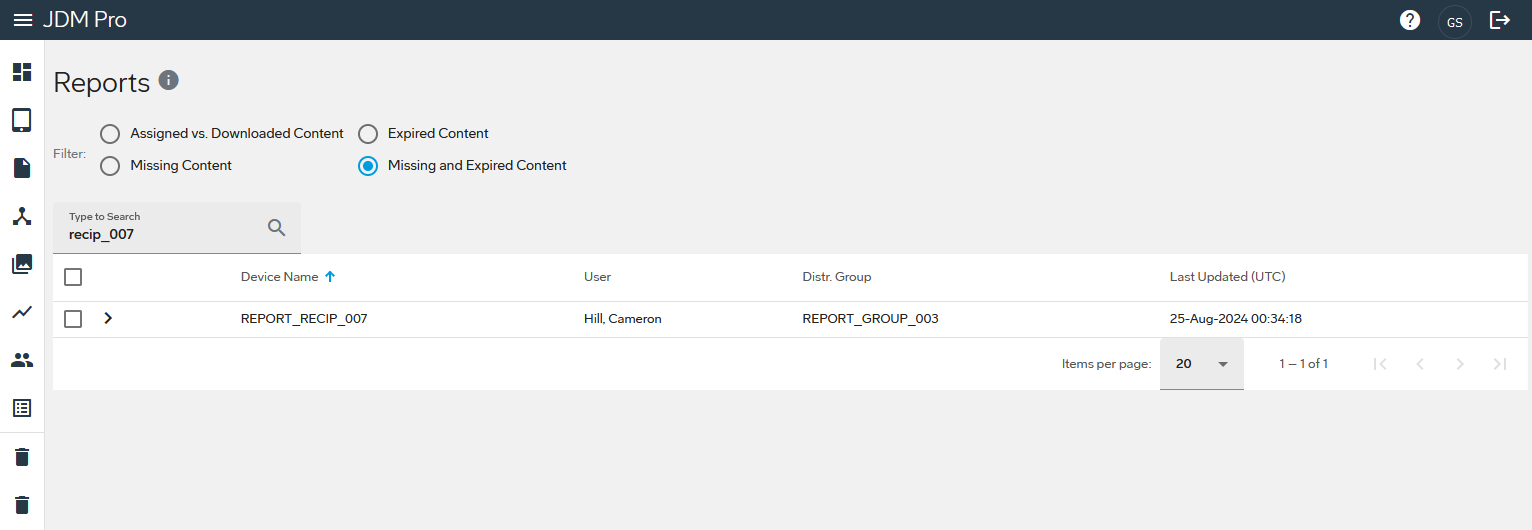
JDM Pro shows a list of devices that meet the criteria you entered. You can generate a report for any of the devices listed, or do another search.
FigureReports page with searched criteria