
Viewing a list of device import failures
When an import fails, Jeppesen Distribution Manager Pro (JDM Pro) displays an Import Failed dialog that shows more information about the reason for failure.
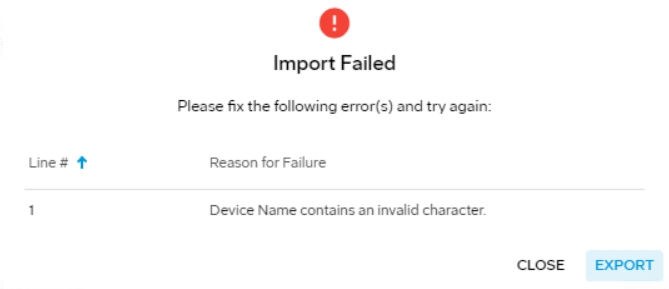
To export the failure information to a CSV file, select Export.
- The device name exists within JDM Pro.
- The device CSV file contains duplicate rows with the same device name.
- A required value is missing, such as the Device Name, First Name, Last Name, or Email Address.
- A value exceeds the limits of the property or is formatted
incorrectly:
- The First Name, Last Name, Email Address, or Distribution Group fields contain an invalid character.
- The Distribution Group, Device Name, First Name, or Last Name fields contain more than 64 characters.
- The Email Address or Distribution Group fields contain more than 256 characters.
- The Asset Tag or Serial Number fields contain more than 12 characters.
- The file contains non-UTF-8 characters that JDM Pro doesn't recognize.
- The local part (the content before the @ symbol) of the email address contains more than 64 characters.
- The local part (the content before the @ symbol) of the email address starts or ends with a period (.).
- The platform is invalid. Options are Apple or Windows.