Creating devices by importing a CSV file
If you have several devices to create, you might find it easier to import a list of devices instead of creating them one by one. To create multiple devices at the same time, enter a list of devices into a comma-separated value (CSV) file and import that file into Jeppesen Distribution Manager Pro (JDM Pro).
About this task
When you upload a device CSV file, JDM Pro scans the file for viruses, and then creates the devices described in the file.
Important: Your organization might be set up so that a user registers when
accessing an application on a mobile device for the first time. In this case, the device
name that you enter must be identical to the one that the user enters when signing into
the application.
Note: If you're accessing JDM Pro on an iPad, you can import a
device CSV file only if you have a file management application installed on your
device.
Procedure
- From the JDM Pro menu, access the Devices page.
- Go to .
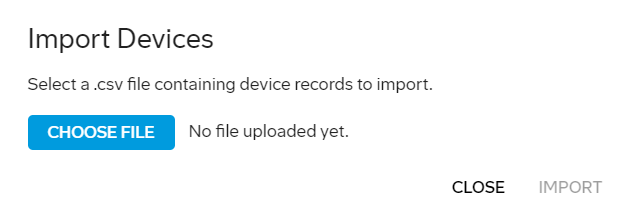
- Select Choose File.
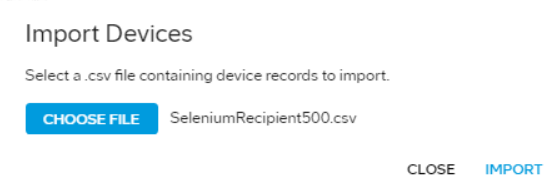
- Navigate to the device CSV file that you created, select it, and select Open.
-
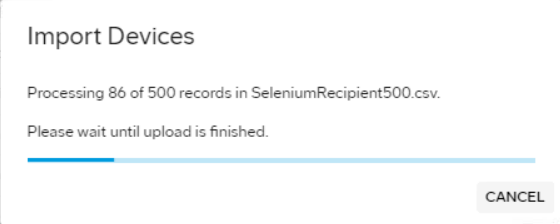
Select Import.
-
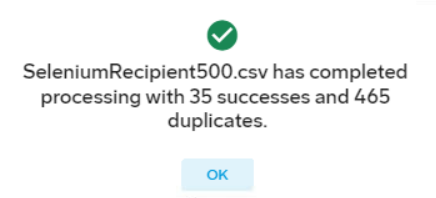
Select OK on the confirmation message.
Note: You can view the status of the import in the Activity Log.